

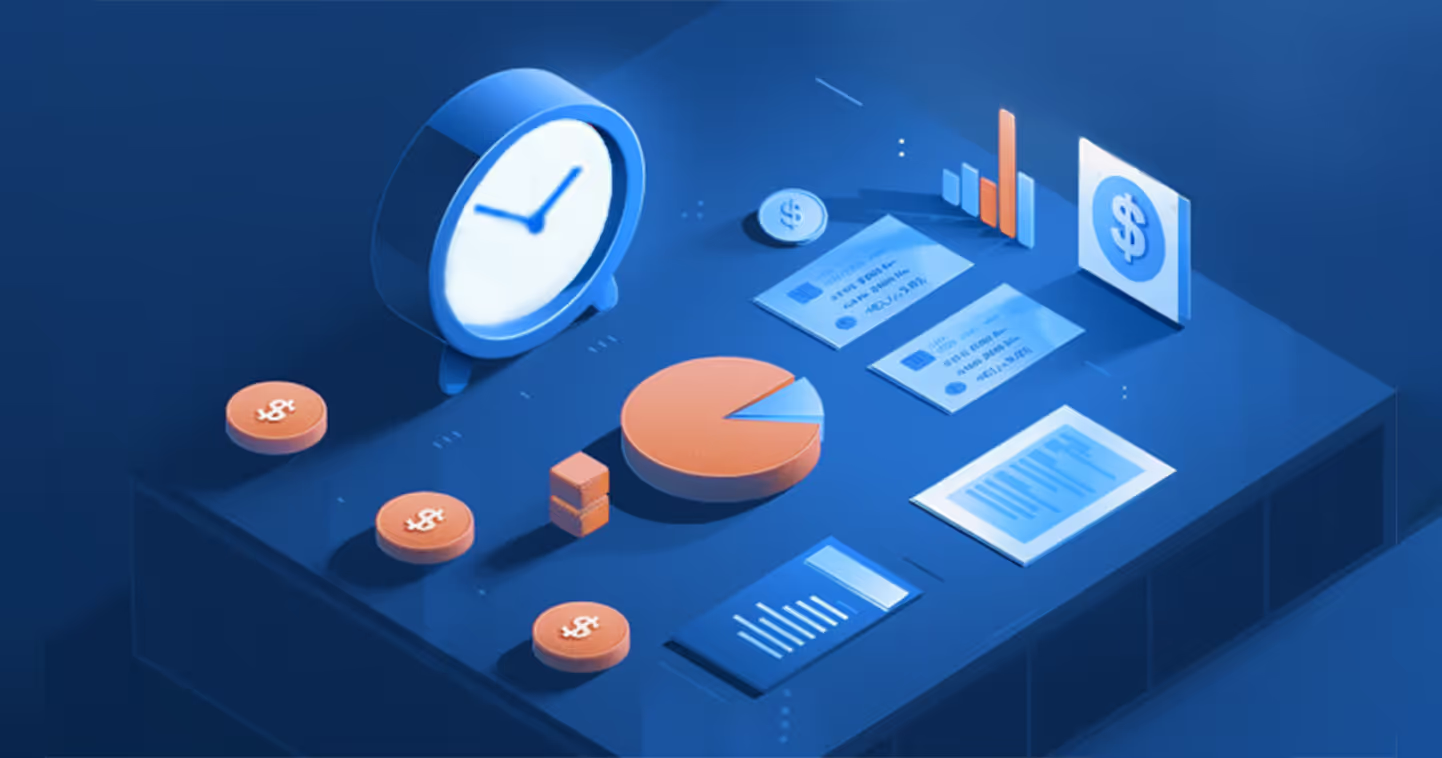
Your data warehouse records 10,000 API calls. Your billing system receives 9,800. The missing 200 calls may mean lost revenue. A failed pipeline run could also send the same events twice, creating an inflated invoice and a customer dispute.
For finance and billing operations teams at usage-based SaaS and AI companies, the challenge is often that invoice accuracy depends on engineering-owned data flows. A missing event, incorrect customer mapping, or duplicate record can distort charges even when each system appears to be working.
A reliable billing data pipeline turns warehouse records into billable metrics while preserving customer, usage, timing, and pricing context. This guide explains how to build and validate that flow, handle common errors, and decide when a direct warehouse connection makes more sense than a custom integration.
What is a billing data pipeline?
A billing data pipeline moves product usage data through a warehouse and into a billing system, where it is transformed, validated, and priced. Unlike a general data integration pipeline, it must preserve the information needed to calculate accurate customer charges.
A typical billing system data flow is:
Product events → Data warehouse → Data transformation → Validation → Billing system → Invoice
Each stage has a distinct role:
· Source data captures product events, API calls, transactions, or resource consumption.
· The warehouse stores usage alongside customer, product, and contract context.
· Transformation filters non-billable events, standardizes units, and aggregates usage into billable metrics.
· Validation checks completeness, customer mappings, timestamps, and usage totals.
· The billing system applies contract pricing and creates invoice line items.
For example, an API provider must identify eligible requests, associate them with the right customer, and aggregate them according to the contract. A successful data transfer does not guarantee accurate billing: duplicate events, inconsistent units, or incorrect billing-period assignment can still produce wrong charges.
What data should flow from a warehouse into a billing system?
A billing system needs more than a usage total to calculate accurate charges. It needs enough information to identify the customer, determine what they consumed, place that usage in the correct billing period, and apply the relevant pricing rules. The exact fields depend on the product and contract, but missing or inconsistent data can lead to underbilling, overbilling, or invoice disputes.
For a reliable data warehouse billing integration, define the required fields before building the pipeline.
How do these fields work together?
An AI software company may charge different rates for API usage by model. The pipeline must preserve customer ID, model, quantity, event time, and event status so it can exclude failed requests and apply the right rate. It must also account for credits, free allowances, commitments, and overages.
For token-based products, the model and token details matter too; see Zenskar’s guide to token-based pricing for related pricing considerations.
EY’s end-to-end data lineage guidance explains how tracing transformations helps identify where discrepancies enter a data flow.
How do you build a usage-based billing data pipeline from a data warehouse?
Build the usage data pipeline by identifying source tables, defining billable metrics, transforming events, choosing an ingestion method, and testing the complete billing run.
How do you identify the right source tables?
Start with tables containing usage events, customer identifiers, event timestamps, statuses, and product attributes. Confirm the source of truth, update frequency, and whether records can change after ingestion. Common warehouse environments include Snowflake, BigQuery, and Redshift; document schema ownership and version changes so upstream updates do not silently break billing.
How do you transform raw usage into billable metrics?
Define which events are billable, filter failed or excluded events, deduplicate by a stable event ID, standardize units, and aggregate by customer and billing period. Keep event time separate from ingestion time: the former determines when usage happened, while the latter helps identify late-arriving records.
Example SQL for daily successful API calls, deduplicated by event ID:
WITH ranked_events AS (
SELECT *, ROW_NUMBER() OVER (
PARTITION BY event_id ORDER BY ingested_at DESC
) AS rn
FROM raw_api_events
WHERE status = 'success'
)
SELECT customer_id, DATE(event_time) AS usage_day,
COUNT(*) AS billable_api_calls
FROM ranked_events
WHERE rn = 1
GROUP BY customer_id, DATE(event_time);
This is an illustrative pattern; adapt the date function, event filters, and deduplication rule to the warehouse and billing contract.
How should you choose a data ingestion method?
Choose based on how quickly usage must reach billing and how much pipeline maintenance your team can support.
For scheduled billing, one practical policy is to hold invoice generation for a defined grace period after period close, such as 24 hours. Events received after that cutoff can be reviewed and included as an adjustment or true-up on the next invoice. Set the window based on actual source latency and contract terms.
How do you test the pipeline before launch?
Run historical data through the full billing system data flow and compare output with independently calculated totals. Test duplicate events, missing customer IDs, late records, contract changes, daylight-saving or time-zone boundaries, and billing-period cutoffs. Google Cloud’s specific guidance on testing Dataflow pipelines recommends representative test data and production-like conditions.
How should you validate billing data before generating invoices?
Validate usage before invoice generation by checking completeness, uniqueness, validity, and reconciliation. These checks confirm that records arrived and represent the right billable quantities.
· Completeness: expected events and customers are present for the billing period.
· Uniqueness: event IDs are not repeated after retries or reruns.
· Validity: customer, product, status, timestamp, and unit values are acceptable.
· Reconciliation: source totals match transformed billable totals, with exclusions explained.
If the warehouse contains 50,000 eligible API calls but billing receives 48,500, hold the invoice run until the 1,500-call variance is explained. Set a tolerance threshold, route exceptions to an owner, and retain the source records and transformation results. A short pre-invoice validation checklist can make this review repeatable.
What are the most common billing system data flow errors?
The main billing data flow errors are missing or duplicated events, incorrect mappings, late records, inconsistent units, and wrong aggregation or time-zone boundaries. Pair each failure with a specific control.
For a failed batch, track which records were committed before retrying; do not blindly rerun the entire batch. If a corrected event arrives after an invoice has been issued, record the adjustment and handle it through the appropriate credit note or true-up on a subsequent invoice. See
Zenskar’s guide to usage-based revenue recognition for how usage timing and corrections can affect revenue recognition.
Who should review what before invoices go out?
Assign ownership so pipeline issues are resolved before invoice release.
How can you connect a data warehouse to billing without maintaining a fragile custom pipeline?
Custom pipelines give teams control over how usage data moves from a warehouse into billing. But that control comes with ongoing maintenance. Every change to a product, pricing model, event schema, or contract can require updates to sync jobs, transformations, and billing logic. Reverse ETL is one way teams approach this challenge, syncing data from the warehouse into operational tools such as billing systems. It can work well, but it also introduces another layer to configure and maintain.
An alternative is to connect the billing platform directly to the data warehouse. This is where Zenskar’s usage metering fits. Its platform can pull data directly from Postgres, Athena, MySQL, and more than 100 data warehouses, including Snowflake, BigQuery, and Redshift. Teams can define billable metrics in plain language and use AI-generated aggregation logic, or build them using SQL and the UI. Those metrics can then be reused across products, contracts, and invoice line items.
The platform can also flag contract mismatches and unrecognized events before they reach billing, with alerts through email, Slack, or webhooks. This gives finance and billing teams an opportunity to review exceptions before they become invoice charges. Zenskar states that most teams go live in 2–4 weeks, although timelines and integration requirements will depend on the warehouse and workflow.
A managed platform will not eliminate the need for engineering oversight or guarantee error-free invoices. Teams still need to define billable events, test metric calculations, and review exceptions. But a direct warehouse connection can reduce the custom sync work and ongoing metric-maintenance burden.
How did 100ms fix underbilling from usage data?
100ms had multiple usage metrics, tiered pricing, free allowances, and customer-specific contracts. Manual billing made it harder to capture all billable usage accurately.
After implementing Zenskar, 100ms reported a 4% revenue increase after identifying previously missed usage charges, 250 hours of manual work saved each month, and a product launch four months earlier than planned by avoiding an in-house billing build.
What makes a billing data pipeline reliable?
A reliable billing data pipeline preserves data quality and billing logic from source events through transformation, validation, and invoicing. Define billable events, test real usage patterns, reconcile totals, and set a late-data policy before launch. Assign owners to exceptions and document post-invoice corrections so issues remain traceable.
See how Zenskar pulls usage from your warehouse and flags mismatches before invoicing. Book a demo.
Frequently asked questions
Billing data transformation cleans, normalizes, filters, and aggregates raw warehouse records into structured billable metrics. For example, it can exclude failed API requests, standardize usage units, remove repeated event IDs, and group eligible usage by customer and billing period before the billing system applies contract pricing.
Identify the source tables and owners, define billable events and metrics, transform and map usage, then choose batch, API, reverse ETL, or direct warehouse ingestion. Test the output against historical usage, check late-arriving records, and reconcile totals before enabling production invoice runs.
Common failures include missing or duplicated events, incorrect customer or plan mapping, late-arriving records, inconsistent units, incorrect aggregation windows, and time-zone errors at billing cutoffs. Each needs a control, such as record-count checks, stable event IDs, mapping validation, or a defined billing time zone.
Check completeness, duplicates, valid customer and product references, event status, units, and billing-period assignment. Reconcile source and transformed totals, set an acceptable variance threshold, and hold invoice generation when the threshold is exceeded until the difference is explained or corrected.
Use stable event IDs, deduplicate before aggregation, track committed loads, and make retries safe. For corrected events, apply an update or adjustment rather than treating the correction as new usage. Reconcile totals and review exceptions before invoicing; route post-invoice errors through a credit note or true-up.


By automating recurring billing with Zenskar, our billing cycle – which previously took 7–9 days – now closes in 2 days, saving 16-20 hours/month.


Stay Future-Ready with AI-Native Order-to-Cash
Zenskar scales with you - it's flexible, reliable, and enterprise-ready.
